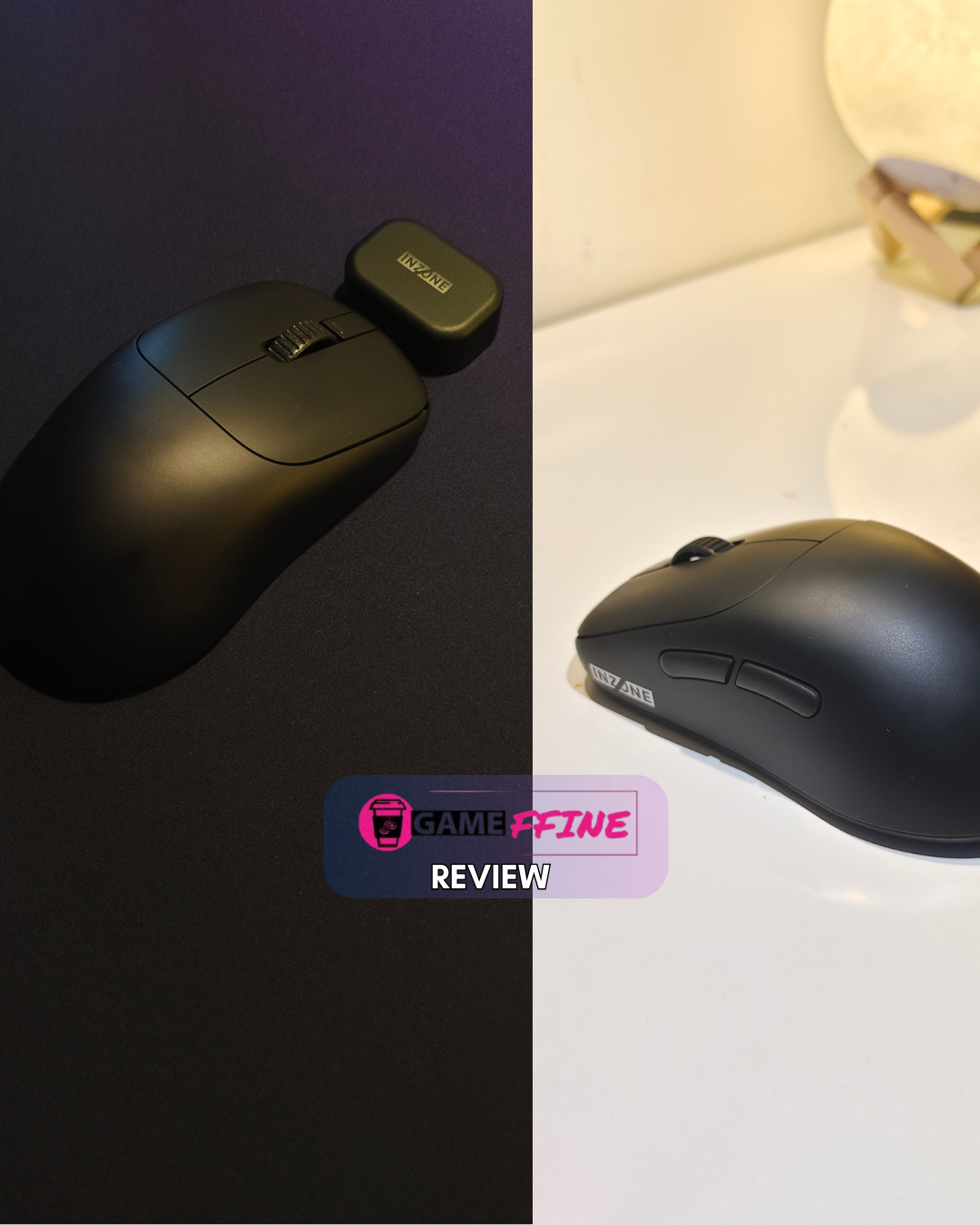





I’m usually someone who buys a mouse and sticks with it until it literally breaks down, then gets another one. Over the decades, I’ve been gaming on PC, and quite a few mice have come and gone, from the cheap to the flagship tiers. But ever since owning multiple gaming devices, the need for multiple gaming mice also cropped up. I’ve been making do with a Glorious Model D, a HyperX Pulsefire Haste, and two Logitech G304s for the last couple of years. Unfortunately, a naughty rat that used to live rent-free in the depths of my old home decided to cannibalize the cable of the Model D. Sad and angry, I’ve been on the lookout for a light and possibly wireless mouse to replace the aptly titled Glorious D.
By a stroke of sheer chance, the good folks and SONY India reached out and asked if I wanted to review SONY’s new INZONE Mouse- A. Just what the doctor ordered. Apart from having owned a PS4, I never belonged to the group of SONY loyalists that call Gameffine their home. From our Gen X owner, Ayush, to millennial SONY fanboy Subhasish, it’s getting pretty crowded in here. Subhasish always spoke highly of SONY’s INZONE product line. Thus, despite my tight work-life balance these days, I said yes to the review. But wait. There’s more. SONY India also sent in the INZONE Mat-D, a speed-type mousepad developed in tandem with Fnatic. I’ve never reviewed a mousepad before, and figured, why not? These decisions have led me to this moment.
Feeling the Part
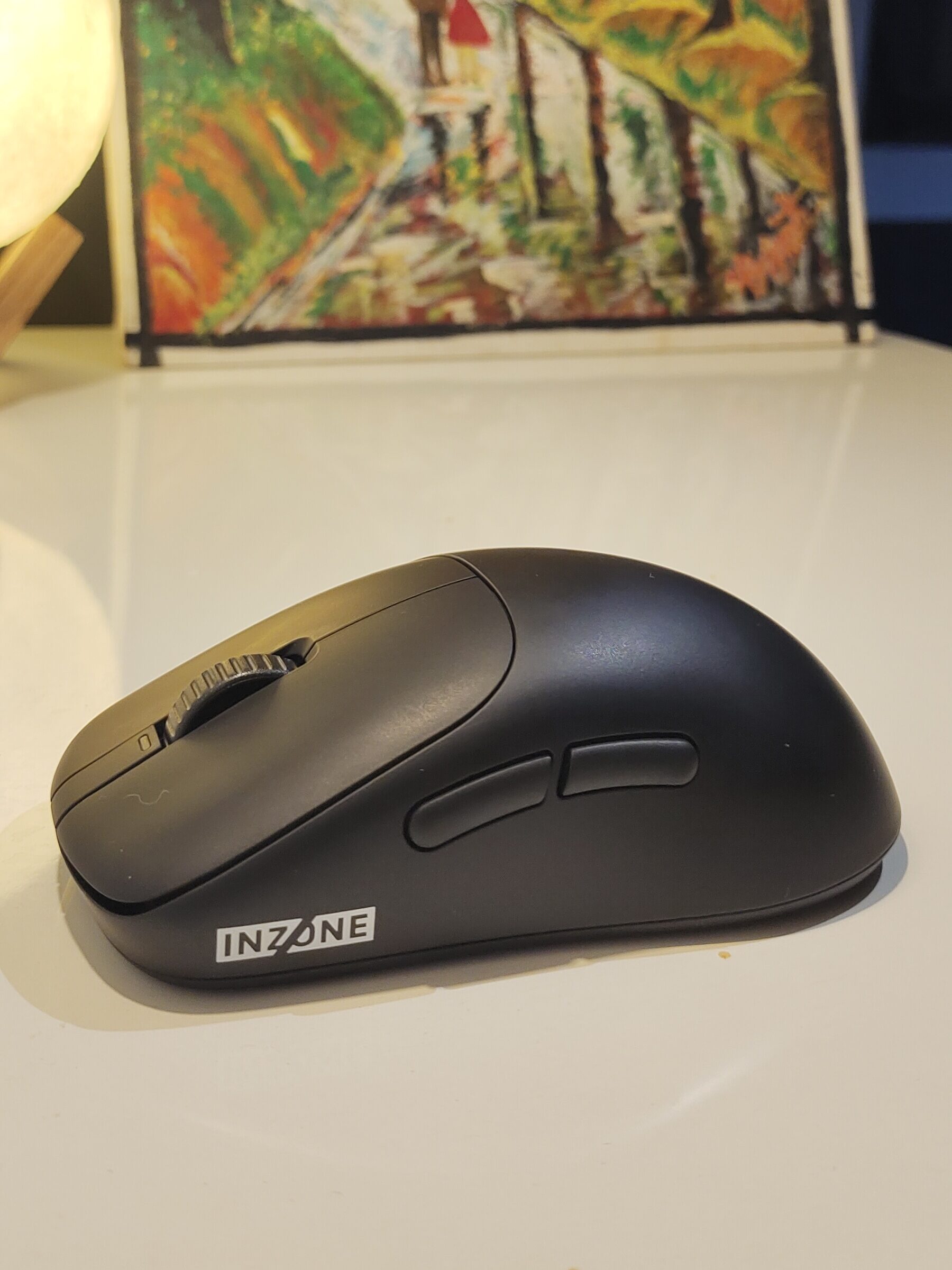
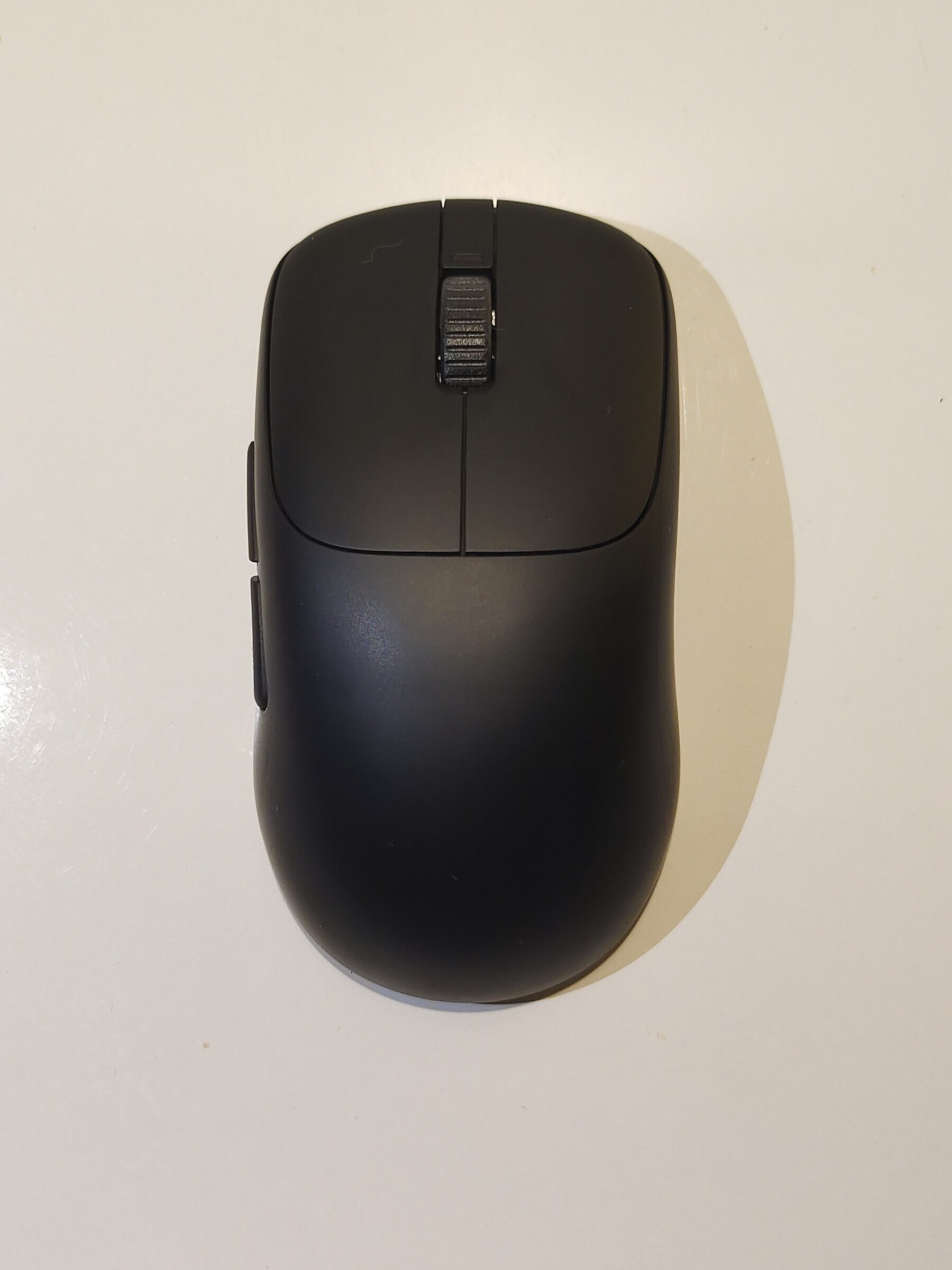
Coming to the Mouse-A, at first, overall, it’s a pretty solid product. The Mouse-A is an ultra-lightweight symmetrical wireless mouse. Emphasis on the “ultra-lightweight” part. The first thing you notice when you open up the slick packaging is how weightless the thing feels. The Mouse-A weighs around 48 grams, which is 15 grams lighter than the Logitech G Pro Superlight. Impressive indeed. To achieve this, the mouse has been stripped to the bare basics, resulting in a sleek and minimalistic-looking design that goes well with black sleeper builds. There’s no fancy RGB or curves to this thing. Even the mouse wheel is stripped to a hollow plastic ring. It goes without saying how much the weight of a mouse contributes to its functioning while playing games. The Mouse-A feels so light that even a generic pedestal fan could blow it away from your desk.
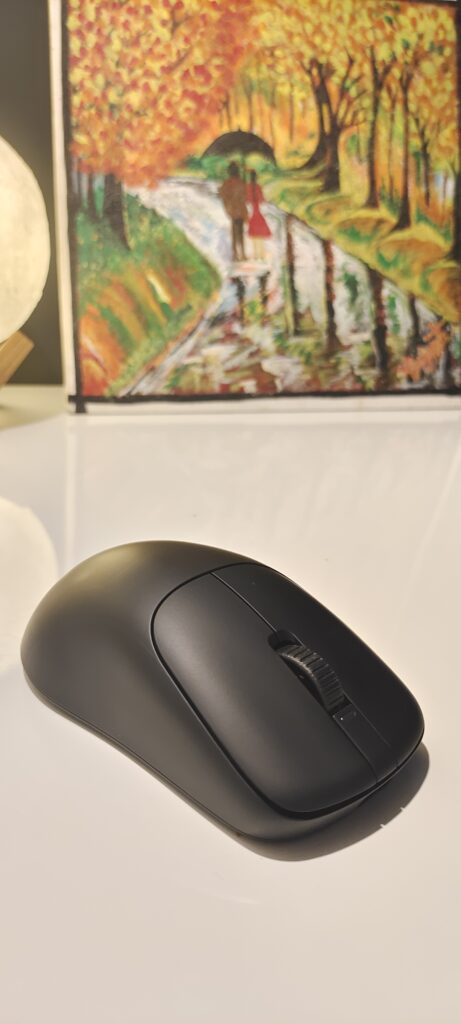
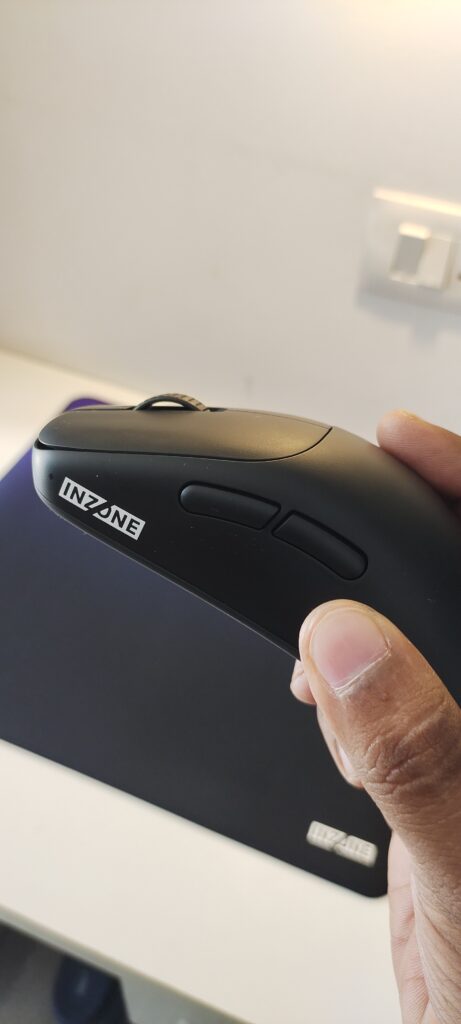
The plastic exterior of the mouse used a matte finish, making it really nice to hold in the palm of your hand. The mouse is medium-sized, and my small-medium-sized hands had no problem using a traditional claw-grip while doing day-to-day tasks or heavy gaming. It’s very comfortable to hold for hours without any breaks. The mouse seems to be perfectly balanced front-to-back with even weight distribution. At the same time, if you live in a humid place, the soft-matte-like material of the mouse can get a bit too attached to your sweaty palms. This thing is also a fingerprint magnet, and I can imagine it accumulating all sorts of gunk and grime through regular usage.
Looking the Part
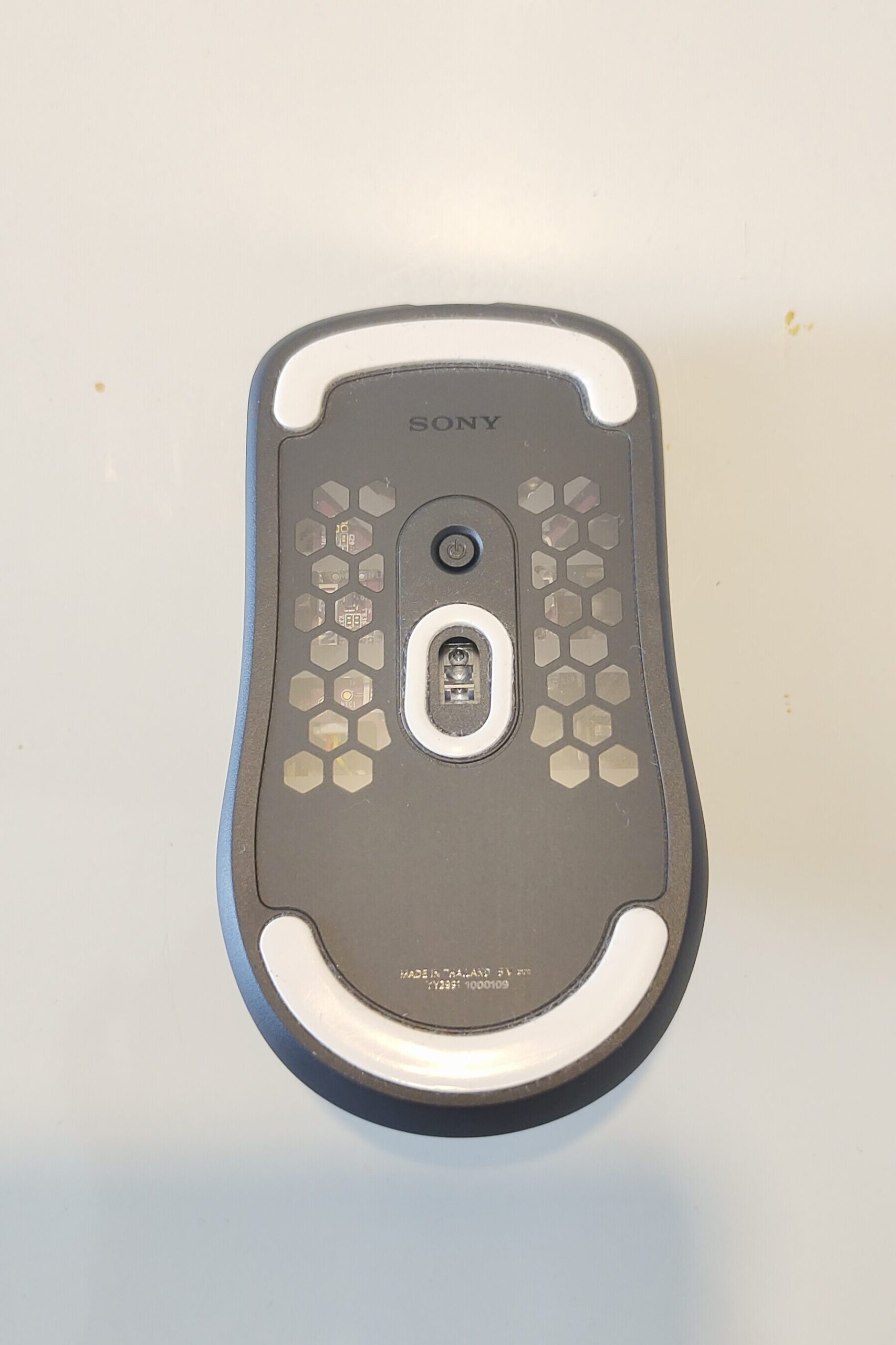
The build quality of the mouse is on point, as it looks and feels like a premium product, with one exception. The mouse wheel, as I’ve mentioned above, is just a thin hollow plastic ring. The lack of any rubber coating makes it feel kind of cheap to the touch and looks a bit off when compared to the rest of the mouse. All buttons are very clicky and tactile, and the side buttons are positioned perfectly for small-medium hand sizes, making them very easy to reach. There is a tiny LED on top that only lights up when you power it on/off and when changing the profiles. Curiously enough, there is only one button positioned at the bottom of the mouse that controls the power and custom profiles. I’d have much preferred it if this button were on top because it’s a bit of a pain to press, as it’s dug in like the power button of a Steam Deck. Turning the mouse on and off is also a pain, as you’ll likely end up pressing the R/L buttons when positioning your thumb to press the power button.
Premium All-around
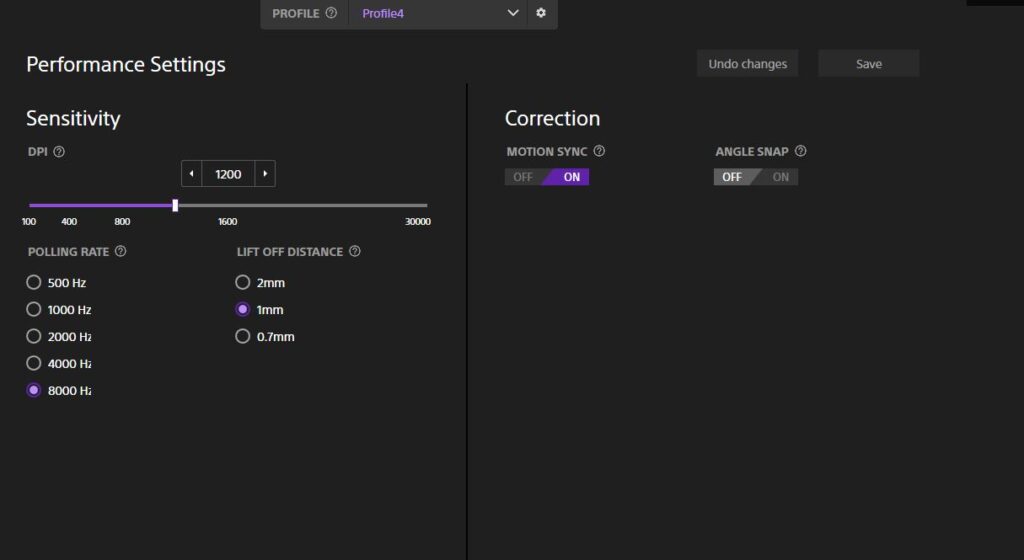
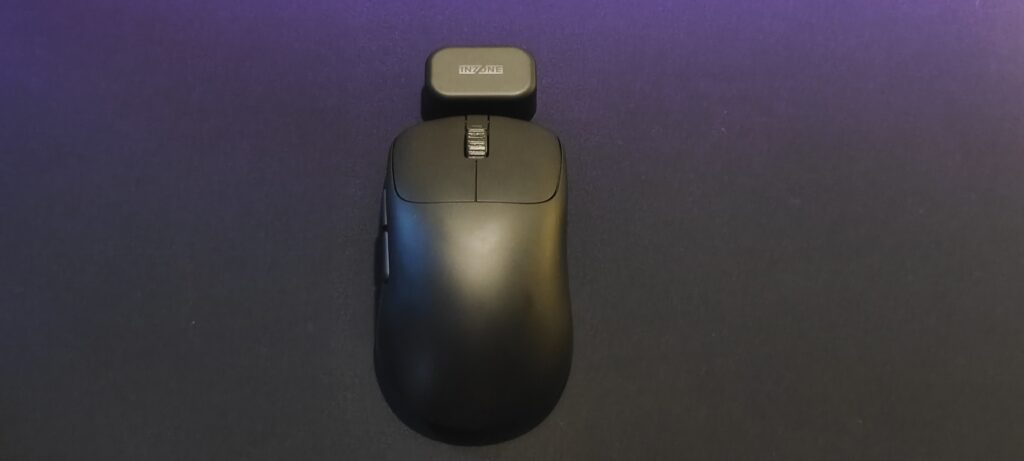
Spec-wise, the Mouse-A is pretty competent. The dpi can go from 100 to a whopping 30,000, and the maximum polling rate is 8000 Hz. These can be changed using the INZONE Hub software, a light and basic package downloaded from the official site. You can configure multiple profiles and switch them on the fly using the power button. You can also change the functions of all buttons using this software. There are some bugs, as it crashed a couple of times and gave incorrect charge readings at times. But nothing major. Speaking of charge, the mouse is advertised to have a battery backup of 90 hours. The mouse can be charged using a USB-C port on its head. A full charge requires the mouse to be plugged in for 1.5 hours. Even charging it for 5 minutes gives you a 30-minute backup. When the mouse is connected to a computer with the USB Type-C cable, it can be charged while being used as a wired mouse. The mouse can be wirelessly connected to the PC using a dongle that, in turn, should be connected to the PC using Type-C. I did not experience any lag or connectivity issues while using it wirelessly.
The Mouse in the Room
Overall, the Mouse-A is a solid product that I might use as my primary until the next best thing comes along. It’s not perfect, and there are obviously some corners cut, but what it does, it does adequately well. However, the elephant in the room is the price. On SONY’s website, the Mouse-A is priced at a whopping 18,990/- rupees! I do not need to tell you how ridiculously unreasonable it is. Then again, all INZONE products have outrageous pricing policies. Thankfully, it goes on sale quite often on Amazon. Even then, I’ve not seen it go below 10k. INZONE products are obviously made with brand loyalists in mind, and that crowd won’t have any problem with this pricing. If you’re an average consumer who just wants the best bang for your buck, you can get far better mice at this price point. You’re just not the target demographic.
The Pleasant Surprise
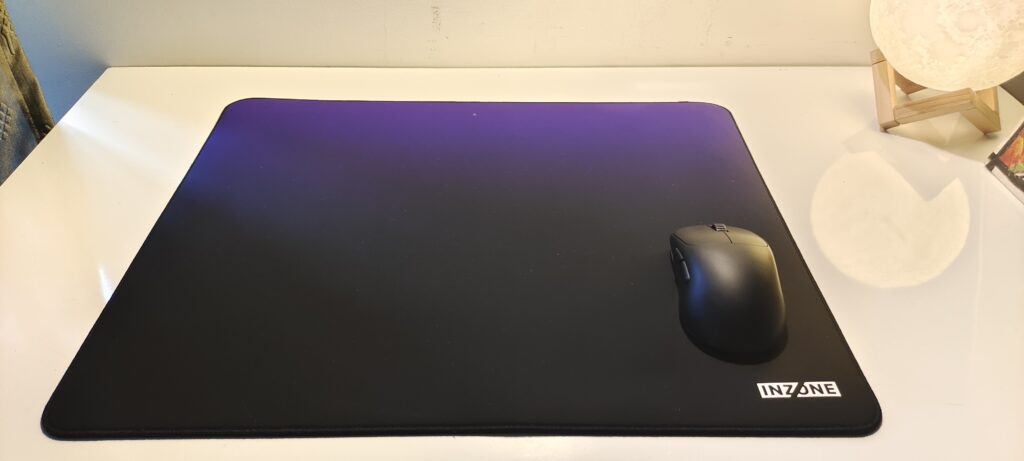
Now, we come to the Mat-D. Honestly, I do not know how useful mousepad reviews are. It’s just not something you can convey with words. Still, for what it’s worth, the Mat-D is an amazing product and easily the best mousepad I’ve ever used. It’s 480x400mm in size, a big boy without a doubt. It’s made out of high-quality material that’s sooooo comfortable to rest your hands on. It’s thick but very light once you pick it up. The backside of the mat is made out of a grippy rubber material that helps it stay in place. I’ve heard complaints online saying that the mat won’t lie completely flat, but in my case, it had no problem staying that way.
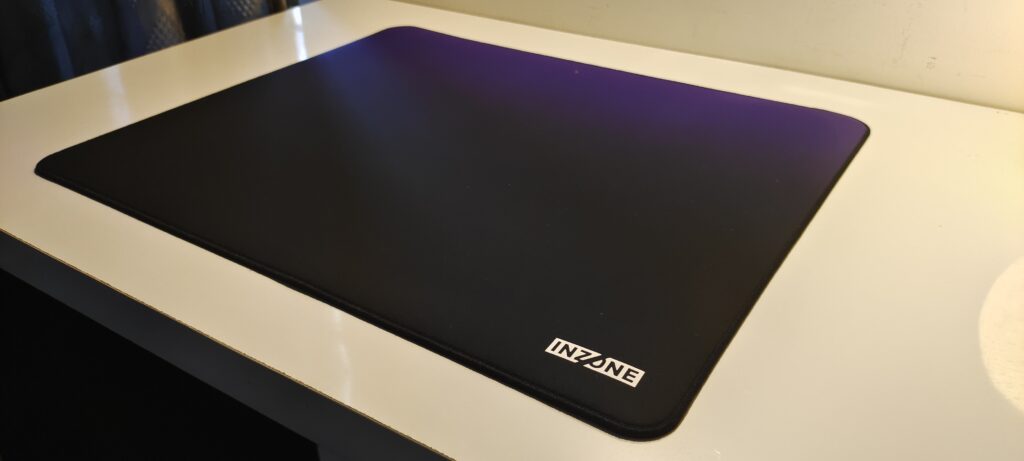
I’ve tested all my mice on the speed-type mat, and it just elevated their performances to a different level. I’ve tested the Mouse-A in tandem with the Mat-D on a wide range of games from CRPGs to strategies to AAA action adventures to co-op to online multiplayer, and felt that these two are made to be used together. At the same time, the biggest issue plaguing the Mouse-A comes back to haunt the Mat-D. The pricing. It retails for a whopping 5,990/- rupees. It’s currently on sale at 2,990/- on Amazon at the moment. Like the mouse, this one too seems to be aimed at brand enthusiasts and not for the average gamer. Regardless of the price, the Mat-D is a super-high-quality product that delivers on all fronts.
Real Talk
Overall, the INZONE Mouse-A and Mat-D are well-built, premium products that deliver exactly what they promise. Their pricing makes it clear they’re primarily targeted at brand loyalists who don’t mind paying extra for the SONY name. For everyone else, waiting for discounts is the smarter move. That said, it’s pleasant to see SONY collaborating with professionals to create peripherals that can genuinely compete with the best in the category, rather than merely serving as overpriced brand showpieces.